Why Do Internet Providers Show Up as Website Visitors?
BT, Sky or Amazon in your visitor feed means the tool named the network, not the business. Here is why, and what to do.
Internet providers show up as website visitors because the visit came from an IP address registered to the provider, such as BT or Sky, not to a business. Home broadband, mobile and public Wi-Fi traffic resolves to the provider's range, so it cannot be tied to an employer. A trustworthy tool flags these visits rather than presenting them as leads.
In short
- A provider name in your visitor feed means the tool identified the network, not the organisation behind the visit.
- Ofcom estimated that BT, Sky, Virgin Media O2 and TalkTalk held 82% of UK retail broadband connections in 2023.
- Mobile networks use carrier-grade NAT, so many subscribers share one public IP address.
- Cloud and data-centre ranges are usually bots, proxies or VPN exits, not companies browsing.
- A good tool classifies the network first, caps non-corporate matches in its lowest band and shows a reason for every match.
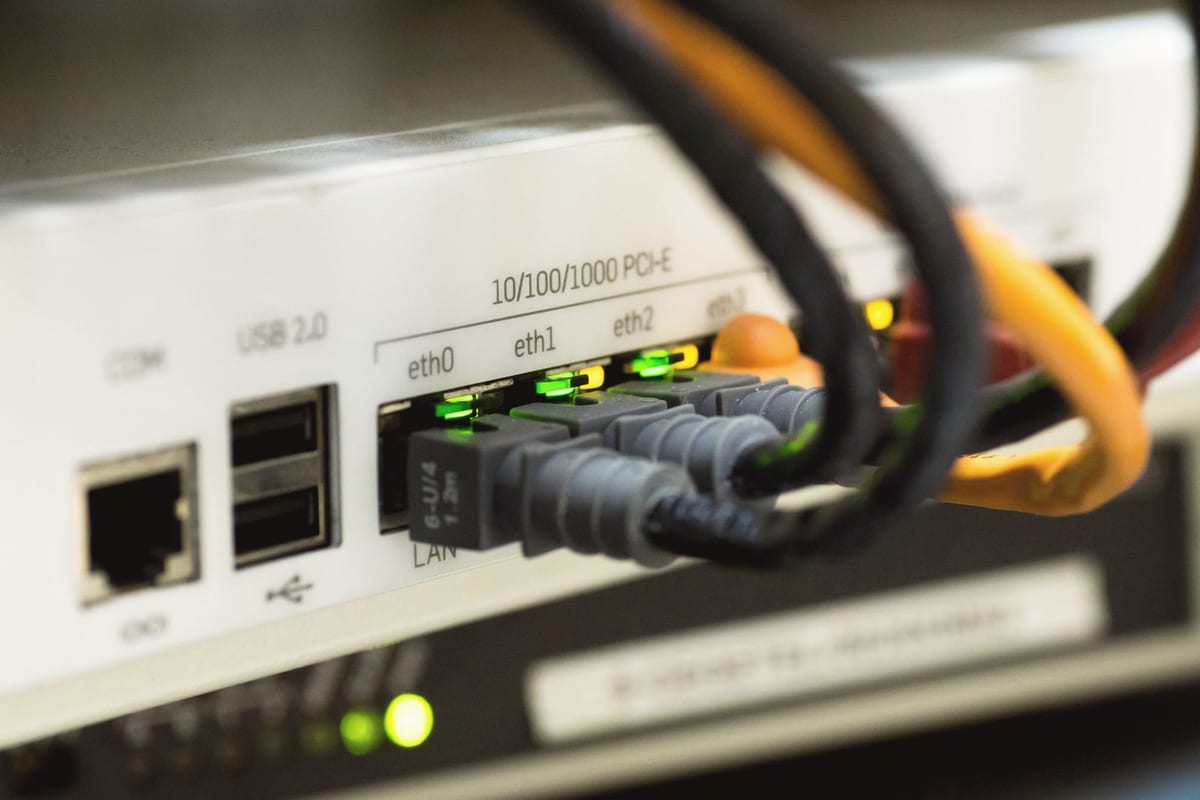
If you have trialled a visitor identification tool and seen BT, Sky, Virgin Media or Amazon in your feed, you are not alone, and it is the question behind "why do internet providers show up as website visitors". The short answer: the visit came from an IP address registered to the provider, not to a business, and the tool showed you the registered owner of the network instead of admitting it could not name the organisation. That is a real visit, but it is not an identification.
Why does an internet provider appear as a visitor?
Every visitor identification tool starts from the same fact: the public IP address the visit arrived from. It then asks who that address belongs to.
When someone browses from a company office with its own network, the answer can be the company. When they browse from home broadband, a phone, a hotel or a café, the address belongs to the internet provider that connected them. The provider is the registered owner of the network. The person could work anywhere.
Some tools fill that gap with a label rather than a blank. Adobe's knowledge base for Marketo's Web Personalization product is unusually candid about it: when it receives "a visit from an ISP we can't identify, instead of omitting them from our results", it uses the name "ISP - Anonymous - Proxy". It explains that "pretty much any free Wifi signal you find like at a library or coffee shop will be listed as an Internet Service Provider (ISP)", and that if the network gives no identifying data, "there's nothing for RTP or any other service to gather."1
There is a second reason the provider cannot be looked past. Many providers share addresses. With carrier-grade NAT, DrayTek explains, "a single public IP address is shared between multiple customer's routers", and it notes that "CGNAT is most widely used on mobile phone networks."2 One address, many households or phones, no single employer.
How much UK traffic is like this?
A lot, because a small number of providers connect most UK homes.
Ofcom's estimate of active retail broadband connections in 2023, published in its Telecoms Access Review consultation on 20 March 2025, put BT (including EE and Plusnet) at 32%, Sky at 22%, Virgin Media O2 at 20% and TalkTalk at 8%, together accounting for 82% of retail broadband connections.3 Other providers such as Vodafone, Gigaclear and Hyperoptic made up the remaining 18%.3
The scale is large. Ofcom's Telecommunications Market Data Update for Q4 2025, published on 16 April 2026, counted 29.3 million fixed broadband lines and 91.1 million active mobile subscriptions (excluding machine-to-machine) at the end of 2025.4
| Provider group (2023) | Share of UK retail broadband connections |
|---|---|
| BT (incl. EE and Plusnet) | 32% |
| Sky | 22% |
| Virgin Media O2 | 20% |
| TalkTalk | 8% |
| Others (e.g. Vodafone, Gigaclear, Hyperoptic) | 18% |
Source: Ofcom, Telecoms Access Review 2026-31 consultation, Volume 2, published 20 March 2025.3
Every B2B buyer who reads your site from home, on the train or on a phone arrives from one of these networks. With hybrid working, that can be a large share of your genuine business traffic. None of it can be tied to an employer from the IP address alone.
Is it a false positive or a real lead?
It is a real visit and a false identification. The distinction matters.
The visit happened. Someone read your pages, and they may well be a buyer. What the tool got wrong is the name. "BT" in your feed does not mean BT the company was researching you. It means someone on a BT connection was.
Treating that row as a prospect has a cost. A salesperson who sees "Sky" with five page views might research Sky's procurement team, find a contact and send a carefully written email to someone who has never heard of you. Multiply that by every provider row in a month and you have a feed that trains your team to ignore it.
The exception is obvious but worth stating: if you actually sell to BT or Sky, a visit from a corporate network they operate for their own staff is a different thing from a visit from their consumer broadband. A tool that cannot tell those apart should not be scoring either highly.
What about cloud hosts, VPNs and mobile networks?
The same logic applies, with different causes.
- Cloud and data-centre ranges. Amazon, Google, Microsoft and others run huge address ranges for servers. Amazon publishes its current ranges in a JSON file so that anyone can "identify traffic from AWS".5 Google publishes the ranges its crawlers use and recommends reverse DNS or those JSON files to verify them.6 A "visit" from a cloud range is usually a crawler, a monitoring service, a proxy or a VPN exit, not a company browsing from its office.
- VPNs and privacy relays. The address belongs to the VPN operator, and many unrelated users share it.
- Mobile networks. Carrier-grade NAT puts many subscribers behind one public address,2 so the carrier is the only thing the address can tell you.
None of these should be presented as a company. The honest output is "we saw a visit from a mobile network", with the pages and timing, and no pretend employer.
How should a tool handle it?
The accuracy question is really a question about what the tool does when it is not sure. Lead Forensics' own FAQ puts it this way: "Accuracy depends on the quality and freshness of the underlying IP database used for matching."7 That is true, and it is half the story. The other half is how the tool classifies the network before it names anyone.
A trustworthy approach has three parts:
- Classify the network first. Corporate network, ISP or residential, mobile, VPN, data centre or cloud, bot.
- Cap the score for non-corporate networks. A provider or cloud range should never reach the tool's top band, however many pages were viewed.
- Say why. Every match should carry a reason you can read, so a salesperson can tell "corporate network, eight pages, pricing twice" from "home broadband, one page".
This is how Scout works. Every identified company gets a confidence score from 1 to 99, a band and a one-line reason. A corporate network adds to the score; ISP, residential, mobile, VPN and data-centre traffic is flagged and can never score above the low band, and automated traffic is scored at zero. The details are on how Scout's confidence score works. We explain how a raw address becomes a name in how an IP address becomes a company name.
A five-minute audit of any visitor feed
You can check any tool, including one you are trialling now, in five minutes.
- Count provider names in the top 50. Look for BT, EE, Plusnet, Sky, Virgin Media, TalkTalk, Vodafone, Three and similar. Each one is a network, not a prospect.
- Count cloud ranges. Look for Amazon, Google, Microsoft, Cloudflare, DigitalOcean, OVH and hosting companies. These are usually bots or proxies.
- Check whether each row shows a reason. If the tool cannot tell you why it matched a company, you cannot tell a strong match from a guess.
- Check how provider rows are scored. Are they ranked alongside real companies, hidden, or flagged? Flagged is the most useful: you keep the visit data without the false name.
- Compare with GA4. GA4 does not show networks, but its device category report shows how much of your traffic is mobile. If a large share of sessions are mobile and the identification feed shows few mobile or provider rows, ask where that traffic went.
Whatever the tool, the goal is a feed your sales team trusts. Fewer, better-labelled rows beat a long list padded with network names. For the wider picture of what identification can and cannot do, read the guide to website visitor identification.
See how many of your own visits are flagged rather than sold. Start a 14-day Scout trial, no card needed, and every company in your feed will show its confidence band and the reason for it. Plans are sized by identified visits per month; see pricing.
Frequently asked questions
Does BT visiting my site mean BT is interested?
Almost never. It usually means someone on a BT broadband or EE mobile connection visited, and that person could work for any organisation. Only a visit from a corporate network that BT runs for its own staff would suggest interest from BT the company.
Can I hide ISP traffic?
You can filter it out of your sales view, and a good tool does this for you by flagging provider, mobile, VPN and cloud networks. It is better to keep the visits flagged than to delete them, because the page views are still real and show what people are reading.
Why do some tools show more matches than others?
Partly because of different data, and partly because of different rules about what counts as a match. A tool that labels provider and cloud ranges as companies will show more names, but many will be networks rather than prospects. Compare tools on the number of high-confidence corporate matches, not the total row count.
Is website visitor identification accurate?
It can be accurate for visits from corporate networks and is inherently uncertain for home, mobile and public Wi-Fi traffic. Accuracy depends on the quality and freshness of the IP data and on how honestly the tool scores weak matches. Look for a tool that shows a confidence level and a reason for each company.
Sources
- Adobe Experience League: Web Personalization (RTP) - Organization showing ISP - Anonymous - Proxy experienceleaguecommunities.adobe.com
- DrayTek: What is Carrier Grade NAT (CGNAT)? draytek.co.uk
- Ofcom: Telecoms Access Review 2026-31, Volume 2: Market definition and SMP assessment (consultation, 20 March 2025) ofcom.org.uk
- Ofcom: Telecommunications Market Data Update Q4 2025 (16 April 2026) ofcom.org.uk
- Amazon Web Services: AWS IP address ranges docs.aws.amazon.com
- Google for Developers: Verify requests from Google crawlers and fetchers developers.google.com
- Lead Forensics: Website visitor identification FAQs leadforensics.com